
BC Game Deposit Methods, Time, and Limits
Several payment options are available for Indian players, including local INR methods and cryptocurrencies. Deposits through UPI, PhonePe, and Paytm start from ₹500 and are usually credited instantly after payment confirmation. Cryptocurrency deposits support assets such as Bitcoin, Ethereum, Dogecoin, BC Token, SATS, and BCD, each with its own minimum requirement and blockchain processing time. Maximum deposit limits vary by method, while many crypto options do not have a fixed upper limit. Players can also purchase cryptocurrency directly through supported payment services and transfer it to their BC Game wallet for casino games or sports betting. Before completing a transaction, it is worth checking the current limits, network fees, and processing details for the selected method.
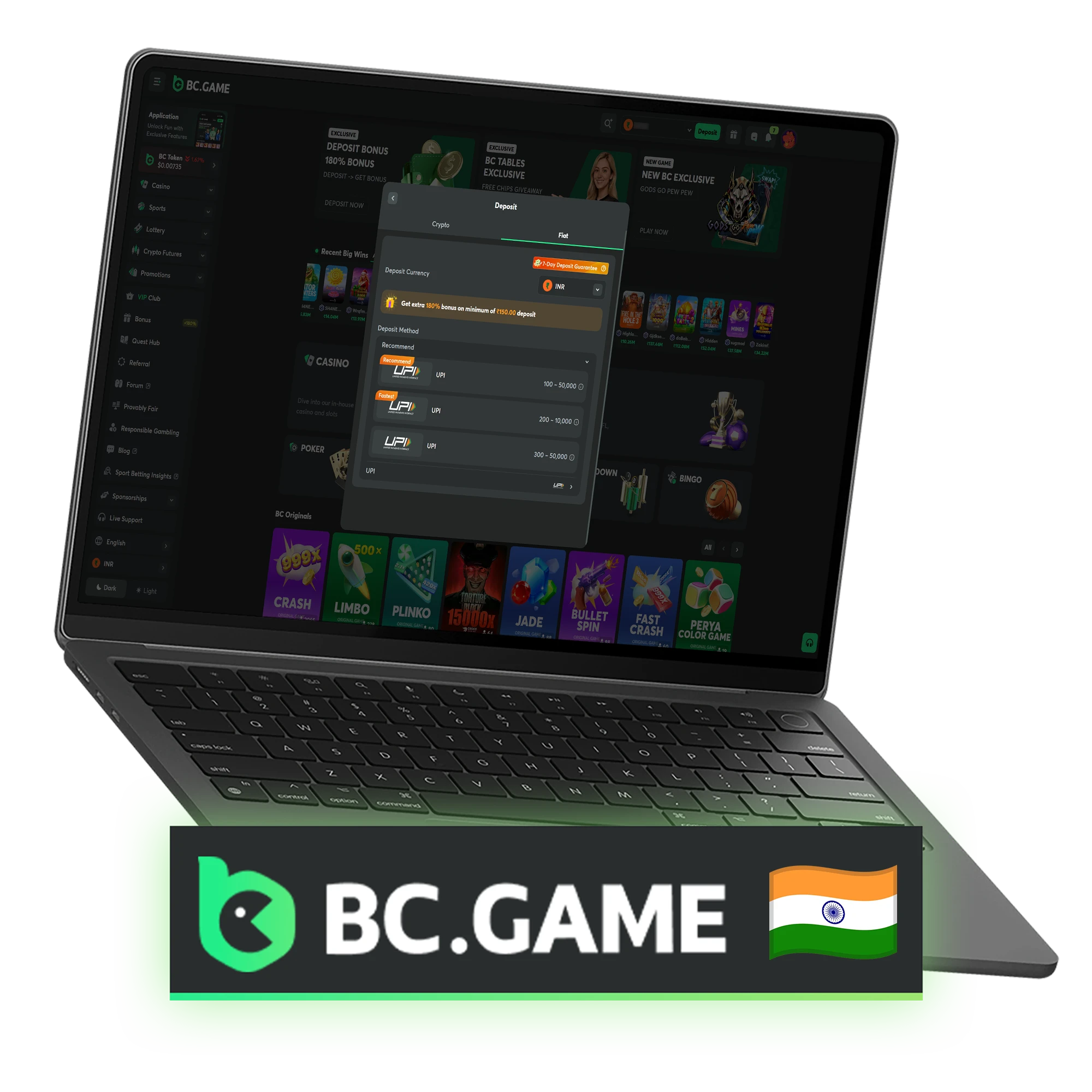
BC Game Deposit Methods
BC Game provides multiple deposit options, including local payment systems and cryptocurrencies. The table below shows the main methods currently supported for Indian players, along with transaction limits, processing times, and fees.
| Payment Method | Minimum Deposit | Maximum Deposit | Deposit Time | Fees |
| UPI | ₹500 | ₹50,000 | Instant | No |
| PhonePe | ₹500 | ₹50,000 | Instant | No |
| Paytm | ₹500 | ₹50,000 | Instant | No |
| Bitcoin (BTC) | 0.00001 BTC | No Fixed Limit | 5–30 Minutes | Network Fee |
| Ethereum (ETH) | 0.0002 ETH | No Fixed Limit | 2–15 Minutes | Network Fee |
| Dogecoin (DOGE) | 5 DOGE | No Fixed Limit | 1–10 Minutes | Network Fee |
| BC Token (BC) | 10 BC | No Fixed Limit | Usually Instant | No Platform Fee |
| SATS | 1,000 SATS | No Fixed Limit | 5–30 Minutes | Network Fee |
| BCD | 10 BCD | No Fixed Limit | Usually Instant | No Platform Fee |
How Deposit Money on BC Game?
4 stepsAdding funds to a BC Game account takes only a few minutes. Players can choose between local payment methods and cryptocurrencies, depending on their preference. Before starting, make sure the account is active, and the selected payment method is available in your region.
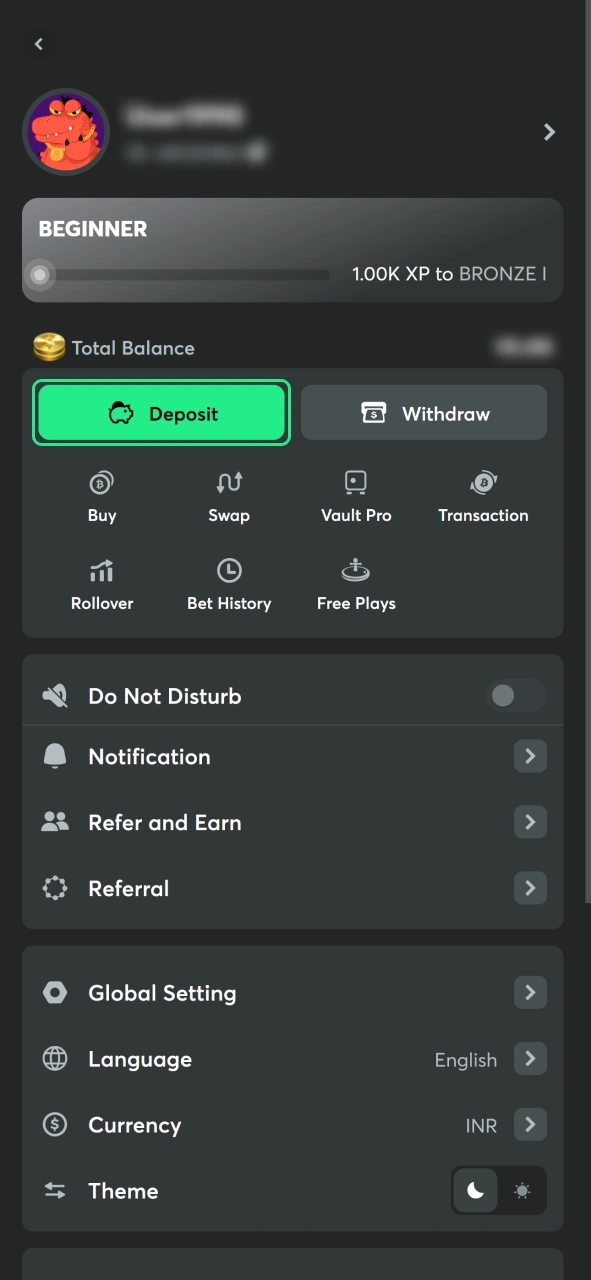
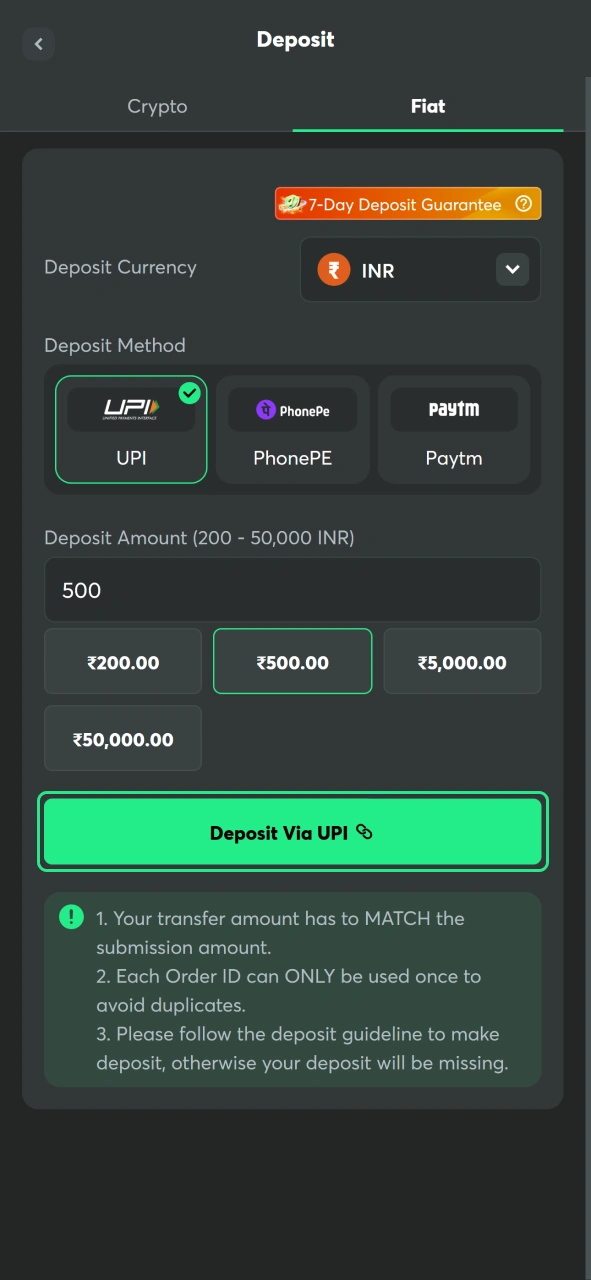
Open the Deposit Page
Log in to your account and click the Deposit button from the main dashboard or wallet section.
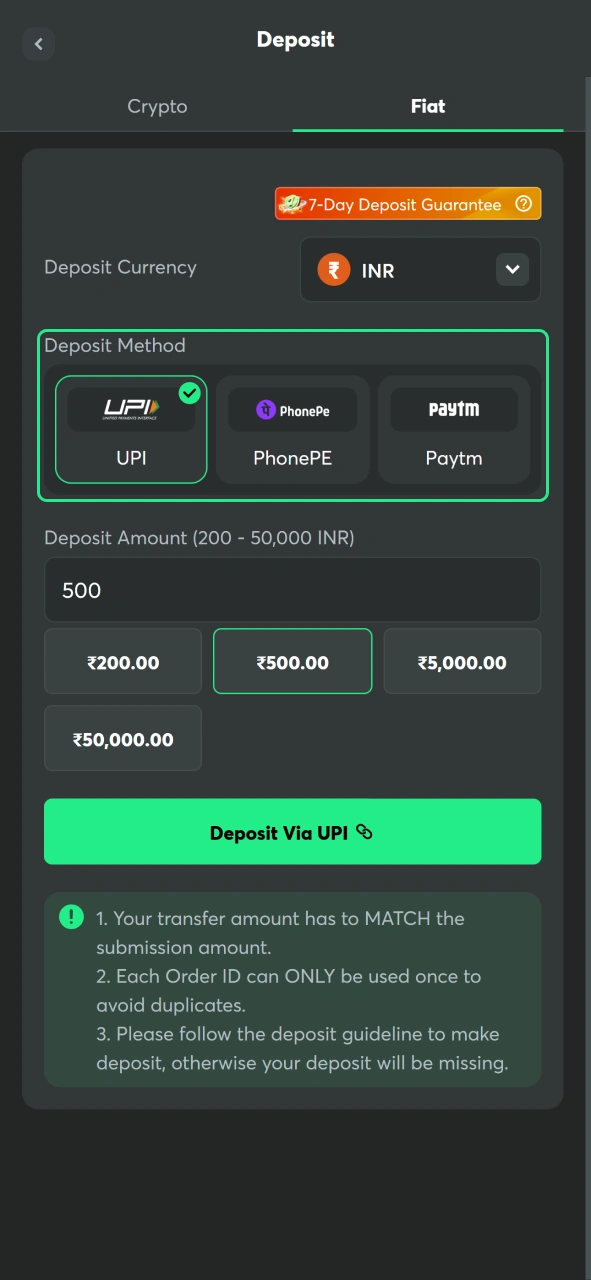
Choose a Payment Method
Select the preferred option, such as UPI, PhonePe, Paytm, Bitcoin, Ethereum, or another supported method.
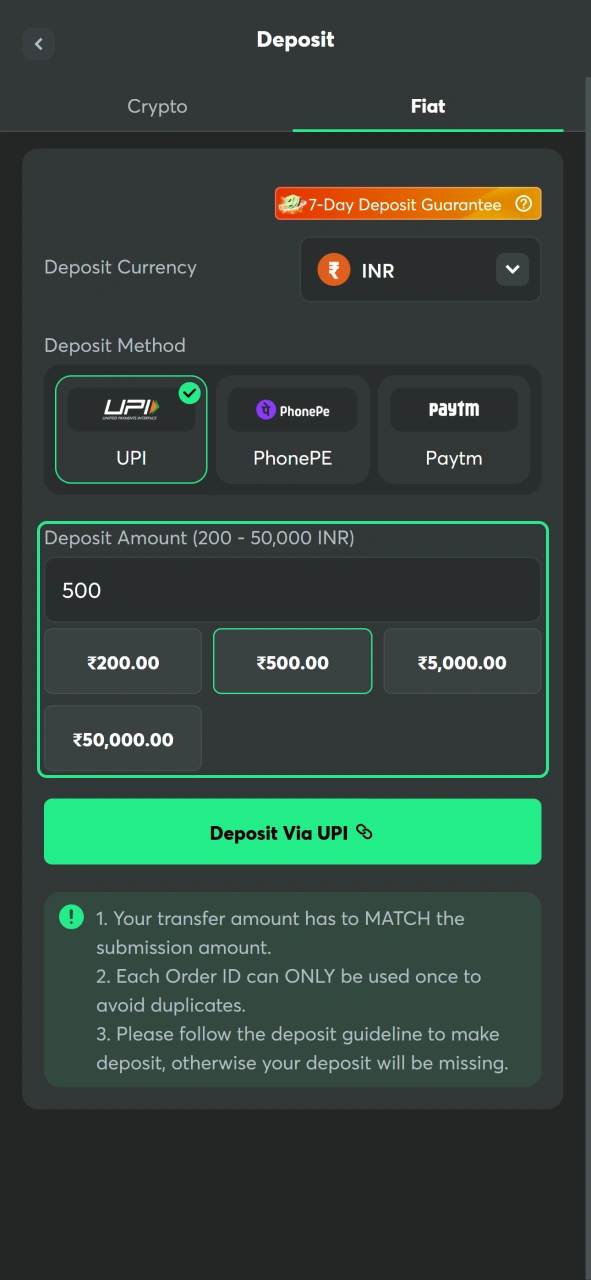
Enter the Deposit Amount
Type the amount you want to add and review the payment details before continuing.
Confirm the Transaction
Complete the payment through the selected provider and wait for the funds to appear in your BC Game wallet.
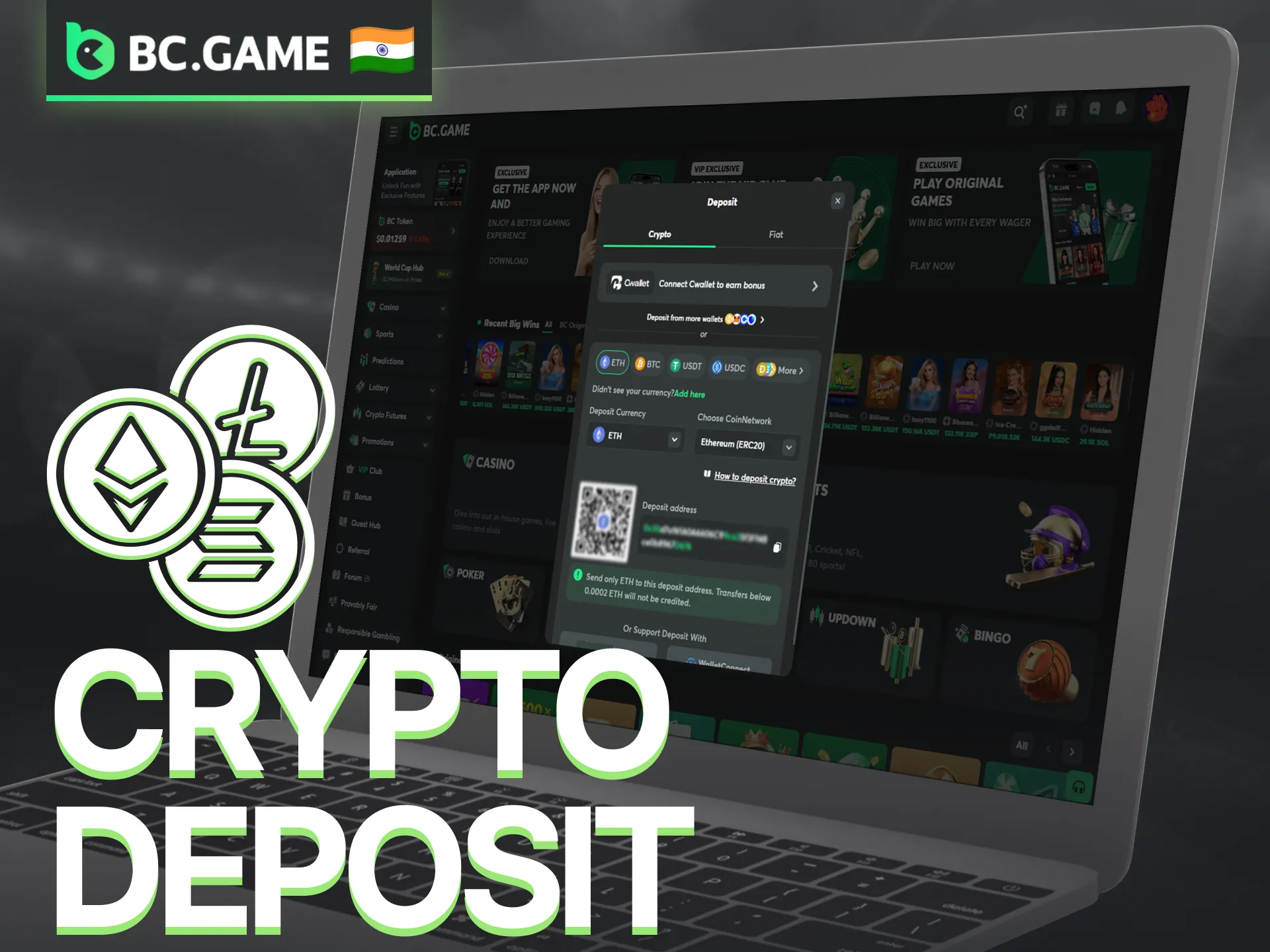
Using Cryptocurrencies for Deposit in 7 Steps
Cryptocurrency deposits are available directly through the BC Game wallet. Players can either purchase crypto inside the platform or transfer coins from an external wallet. Popular options include Bitcoin, Ethereum, USDT, USDC, Dogecoin, and many other supported assets. Before sending funds, always check that the selected coin and network match the deposit details.
- Log in to your account and open the Wallet section.
- Choose Buy Crypto if you want to purchase cryptocurrency directly through the platform.
- Alternatively, click Deposit and switch to the Crypto tab.
- Select the cryptocurrency you want to use, such as BTC, ETH, USDT, or another supported asset.
- Choose the correct blockchain network for the selected coin.
- Copy the deposit address or scan the QR code with your external wallet.
- Send the funds and wait for the required blockchain confirmations before the balance appears in your BC Game wallet.
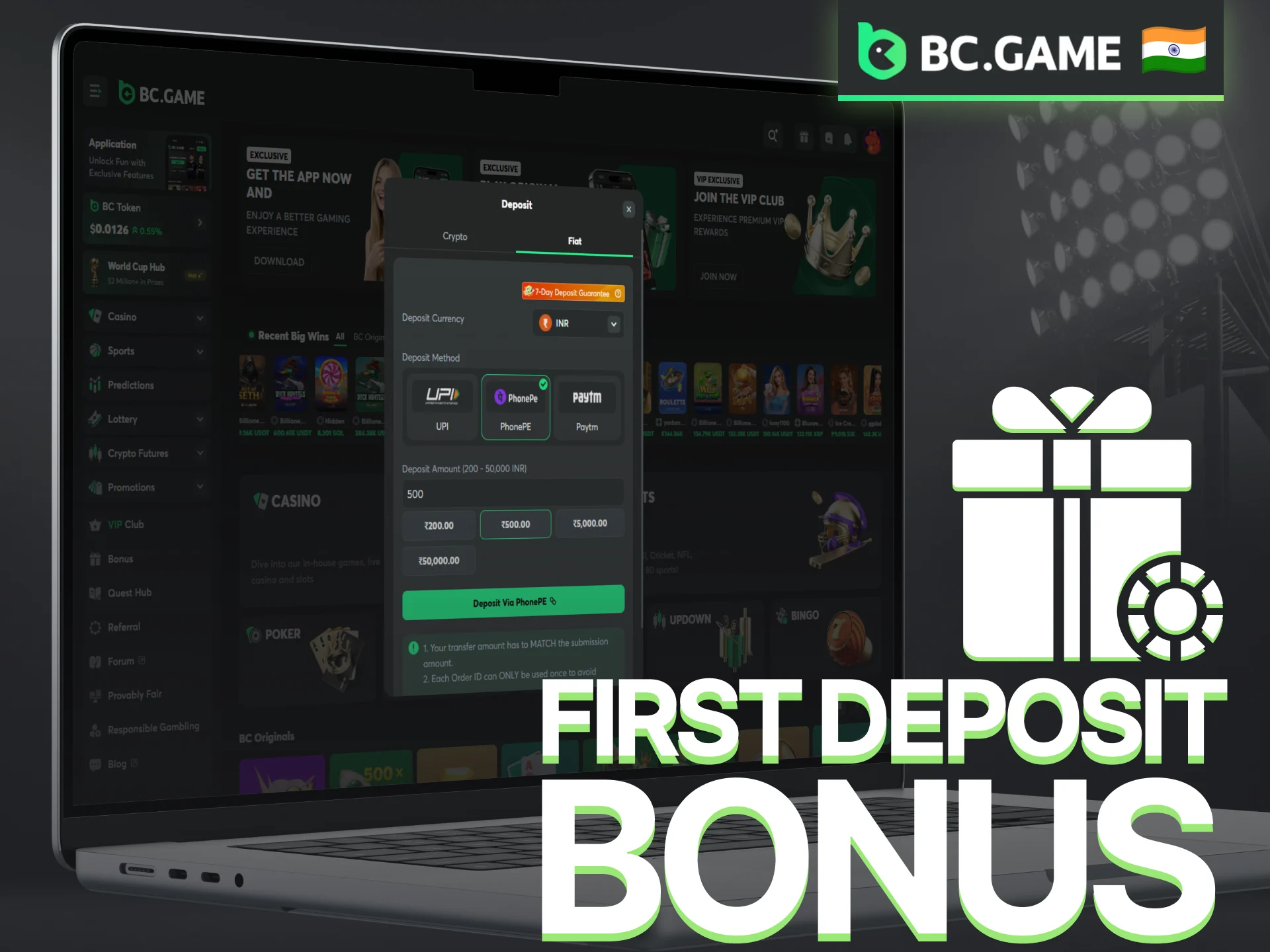
First Deposit Bonus
New players can claim a welcome bonus on their first deposit, which gives a significant boost to starting funds. The promotion works through a 4-stage system, where higher deposits unlock higher percentages and Rakeback. Bonus amounts are credited as locked rewards and are gradually released as wagering requirements are met. Players can start with a minimum deposit of ₹1,000 and reach up to ₹5,000 to access the top bonus tier of 360% and 140% Rakeback.
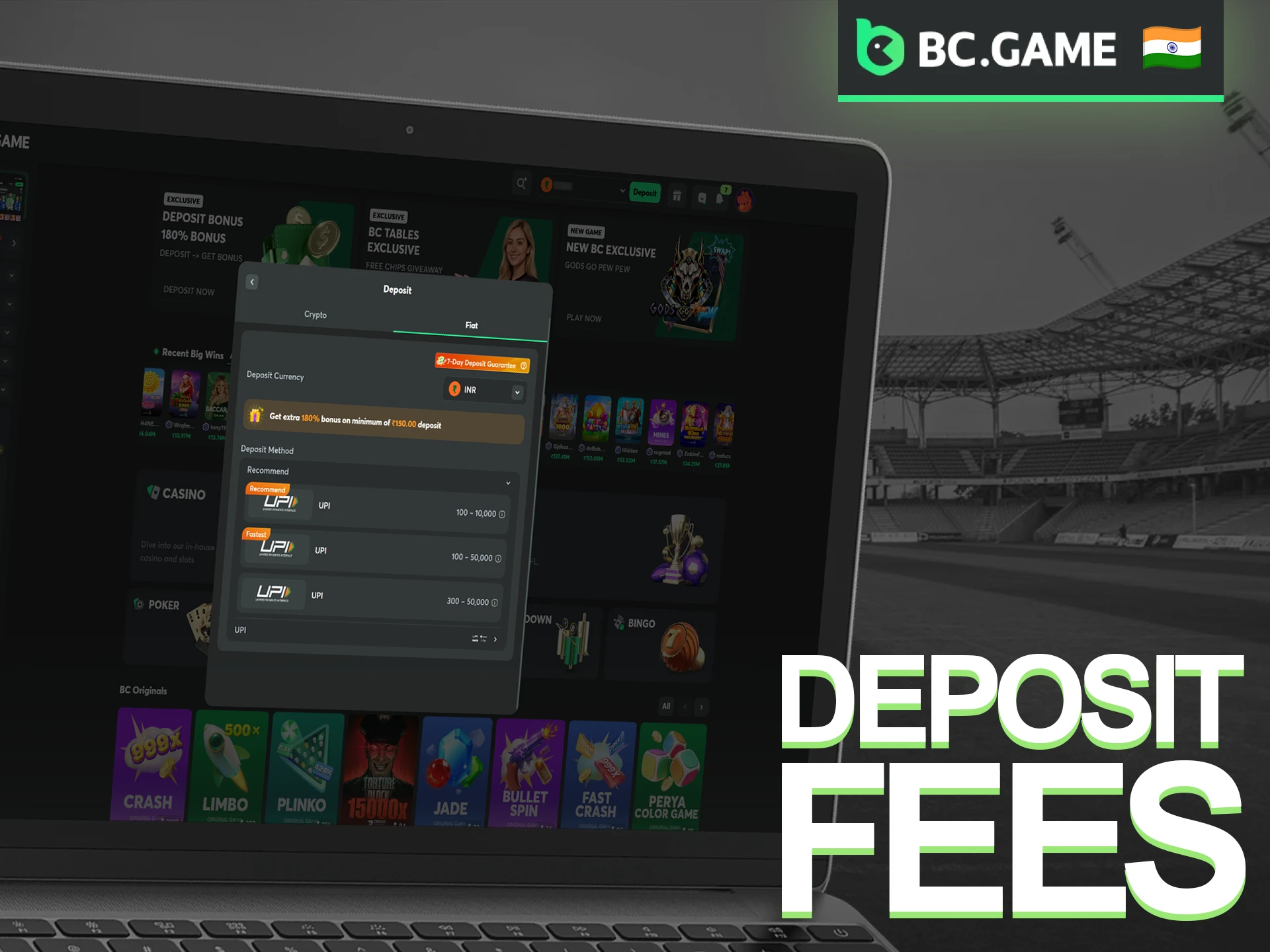
BC Game Deposit Fees
Most deposit methods on BC Game do not include platform fees, especially local options such as UPI, PhonePe, and Paytm. Cryptocurrency deposits are also free from the platform side, although blockchain networks may charge a transaction fee. The final cost depends on the selected coin and current network conditions. Players who purchase cryptocurrency through third-party payment providers may encounter additional charges set by those services. Reviewing the payment summary before confirming a transaction helps avoid unexpected costs.
BC Game Deposit Problems
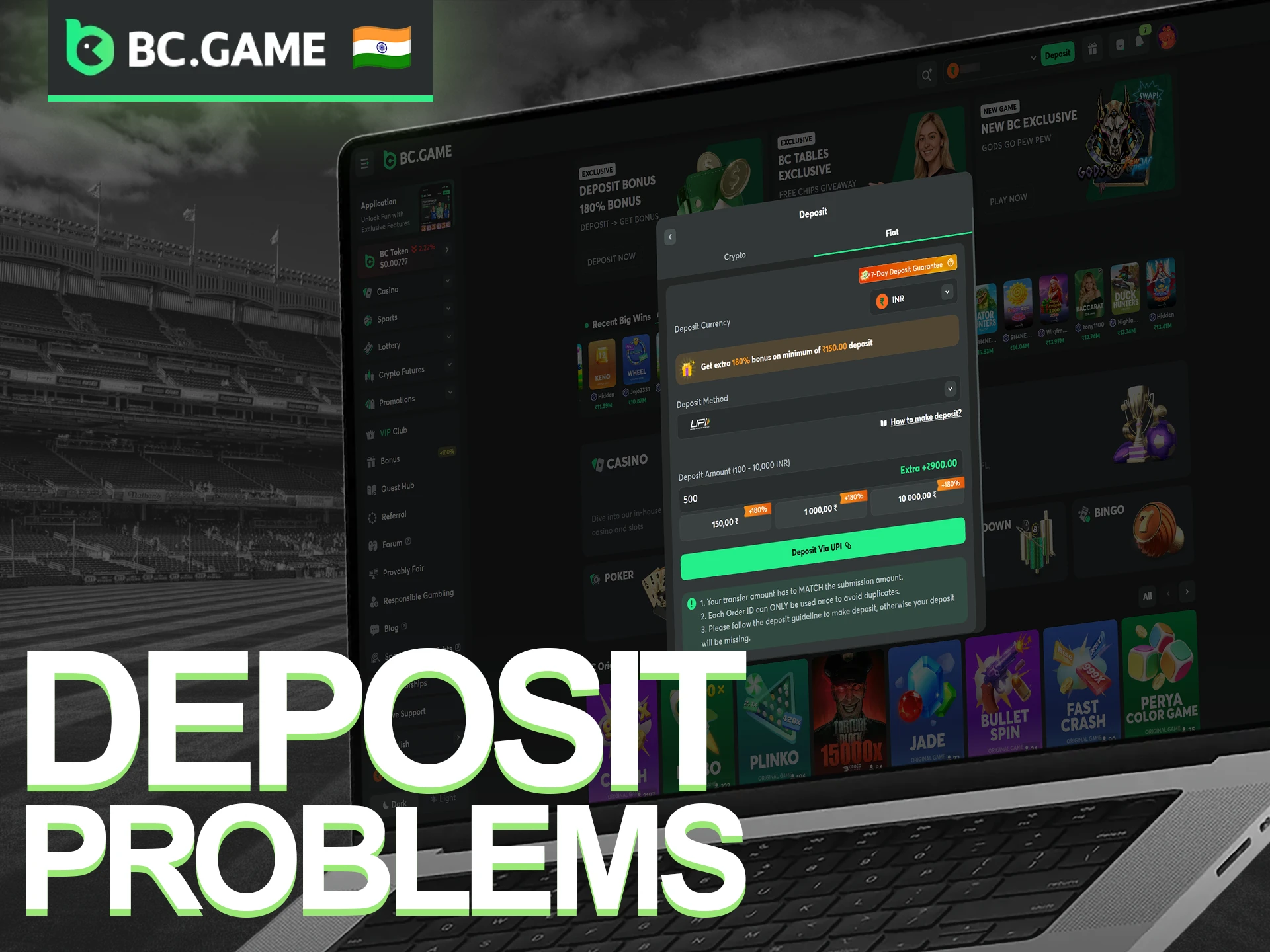
Most deposits are processed without issues, but occasional delays or errors can occur. Payment provider restrictions, incorrect transaction details, or blockchain confirmation requirements are among the most common reasons. Before contacting support, it is worth checking the transaction status and payment information.
- Deposit Not Credited: Funds may require additional processing time or blockchain confirmations before appearing in the wallet;
- Payment Declined: The bank, payment provider, or card issuer may reject the transaction for security reasons;
- Incorrect Deposit Amount: Deposits below the minimum limit may not be processed successfully;
- Wrong Cryptocurrency Network: Sending funds through an unsupported network can delay or prevent the deposit from reaching the account;
- Pending Transaction: Network congestion or payment provider checks may increase processing times;
- Currency Conversion Issues: Exchange rate fluctuations can cause minor differences between the sent and received amounts;
- Account Verification Required: Certain transactions may trigger additional security checks before funds are credited;
- Technical Errors: Browser issues, app glitches, or temporary platform maintenance can interrupt the deposit process.
How to Top Up Your Account from Your Mobile
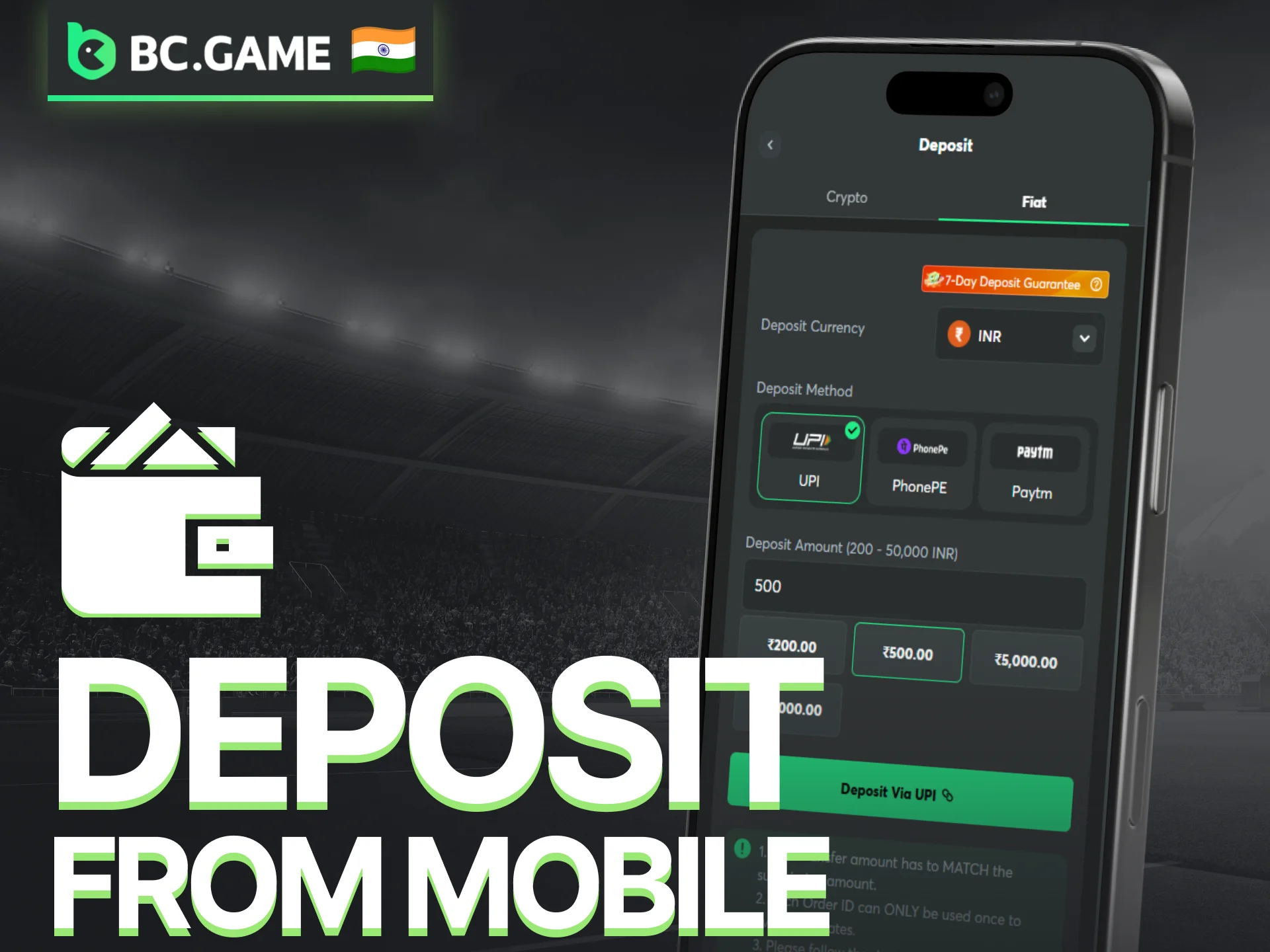
A mobile phone provides full access to deposits, withdrawals, casino games, and sports betting. The process is almost identical to the desktop version and supports both local payment methods and cryptocurrencies.
- Open the BC Game app or a mobile website and log in to your account.
- Tap the wallet or balance icon to access the payment menu.
- Select UPI, PhonePe, Paytm, Bitcoin, Ethereum, or another supported method.
- Enter the deposit amount and review the payment details.
- Confirm the transaction through the selected payment provider.
- Check your wallet balance after the payment is completed.
Before making a deposit, verify the selected payment method, transaction limits, and account balance.
Contact Our Support Anytime
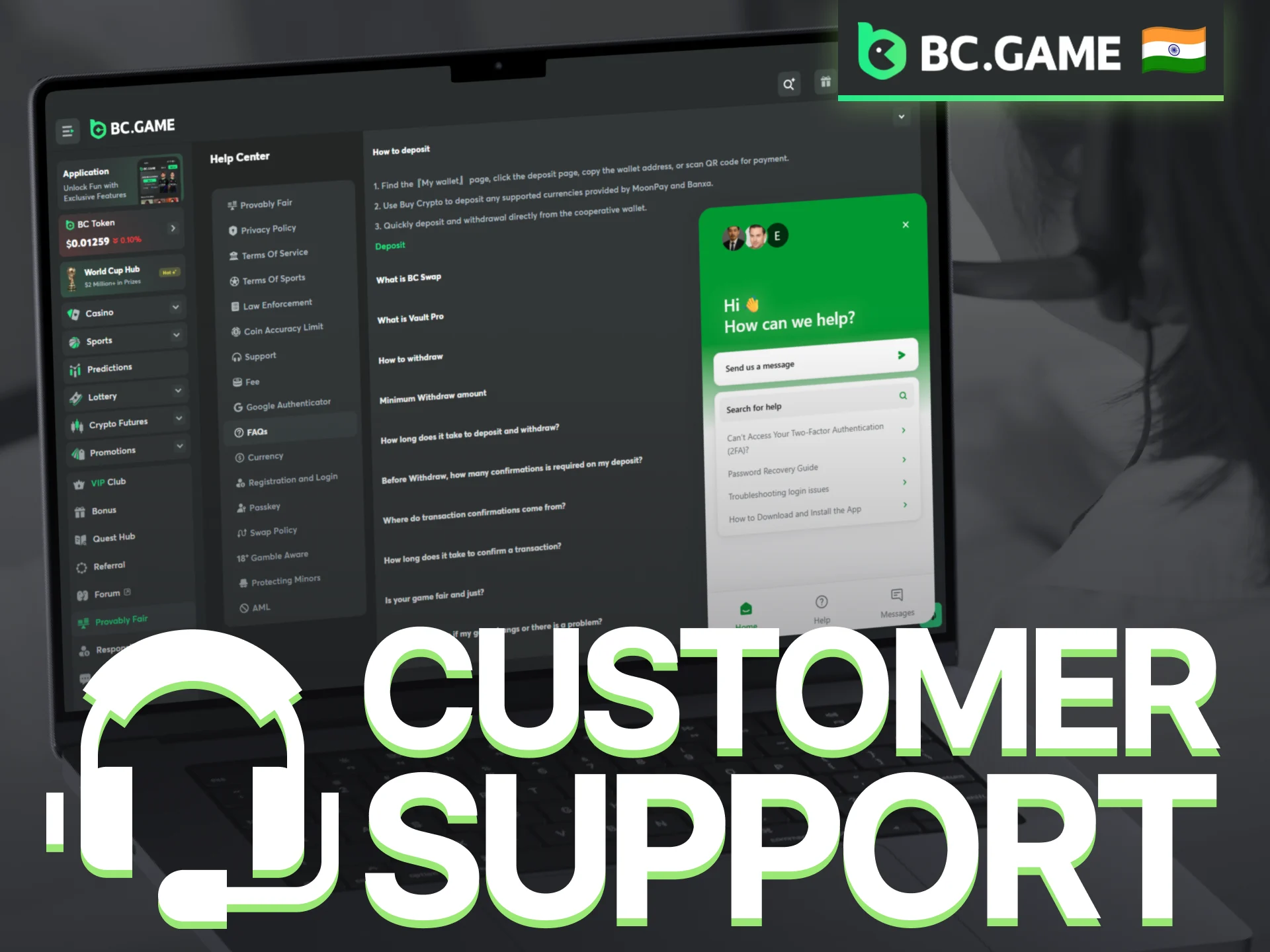
Questions about deposits, withdrawals, verification, bonuses, or technical issues can be addressed through several support channels. Different contact options are available depending on the type of request.
- Live Chat: Available directly on the BC Game website and mobile app;
- Email Support: Contact the team at feedback@bcgame.com;
- Help Center: Articles and guides covering payments, bonuses, account settings, and verification;
- Telegram: Official community channel for announcements and updates;
- Discord: Community discussions, platform news, and support information;
- Social Media: Official accounts on X, Facebook, Instagram, and other platforms.
FAQ
Can I use multiple currencies in my account?
Yes, BC Game allows users to deposit and play using both INR and supported cryptocurrencies. Players can switch between currencies for deposits and withdrawals, but each transaction uses only one currency at a time.
What should I do if my deposit is delayed?
Check the payment method and blockchain confirmations for crypto transactions, or ensure the payment provider has processed the fiat deposit. Contact support if the funds do not appear within the expected timeframe.
Can I claim a bonus after registration?
Most promo codes and deposit bonuses must be claimed during registration or immediately after the first deposit. Some campaigns allow bonus claims at a later stage, but terms vary by promotion.
How can I update my account information?
Account details such as email, password, and payment settings can be updated in the Global Settings section. Certain changes, like identity verification, may require additional documentation or support approval.
Updated:
Comments