
BC Game Payment Methods in India
BC Game offers multiple ways for Indian players to deposit and withdraw funds, including UPI, PhonePe, Paytm, bank cards, and popular cryptocurrencies. The minimum deposit starts at ₹500, while maximum limits depend on the chosen method. Players can buy crypto directly on the platform and use it for casino games or sports betting. Transactions are processed securely, with processing times and fees varying by method. Local payment solutions and cryptocurrencies provide quick deposits and convenient account management.
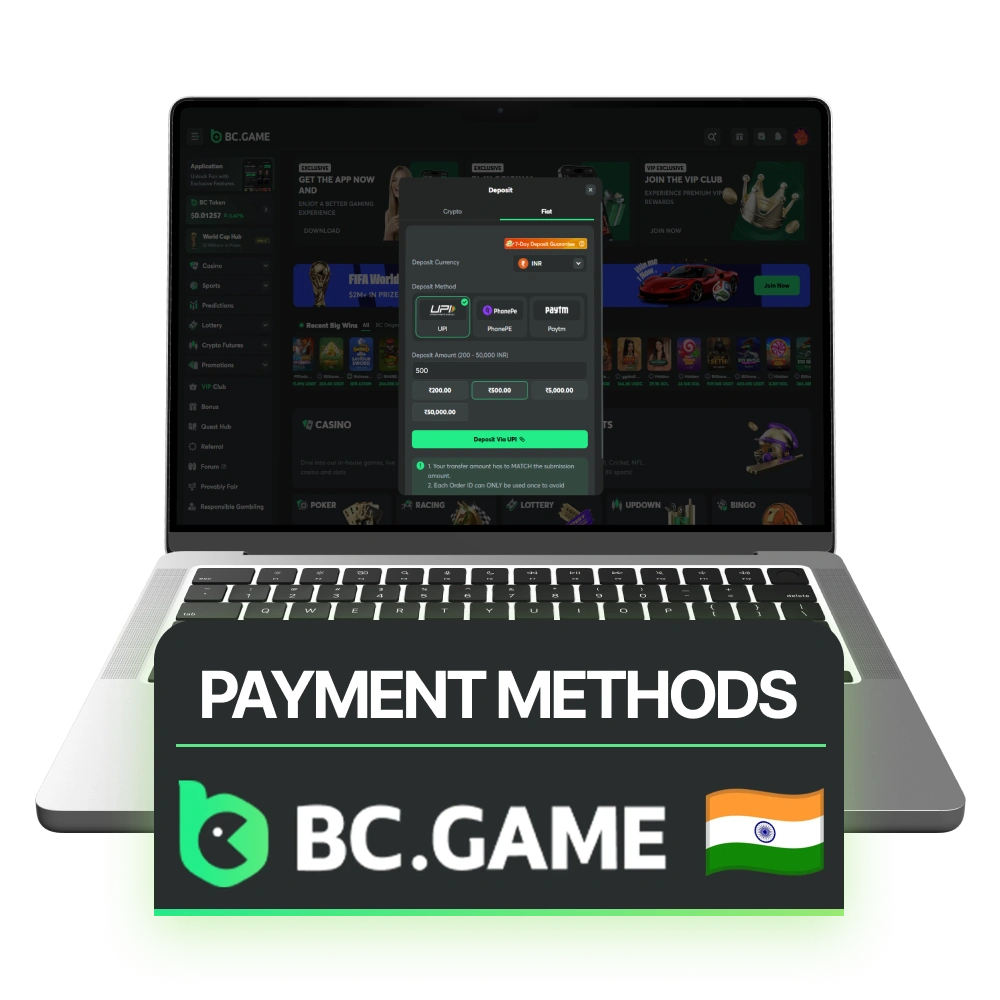
BC Game Deposit Methods
Indian players can fund their accounts through local payment systems and cryptocurrencies. Most INR deposits are credited instantly, while blockchain transactions depend on network confirmations. Local payment methods start from ₹500, whereas cryptocurrency deposits have separate minimum requirements. The table below shows the main deposit options currently supported by BC Game.
| Payment Method | Min Deposit | Max Deposit | Deposit Time | Fees |
| UPI | ₹500 | ₹50,000 | Instant | No |
| PhonePe | ₹500 | ₹50,000 | Instant | No |
| Paytm | ₹500 | ₹50,000 | Instant | No |
| Bitcoin (BTC) | 0.00001 BTC | No Fixed Limit | 5–30 Minutes | Network Fee |
| Ethereum (ETH) | 0.0002 ETH | No Fixed Limit | 2–15 Minutes | Network Fee |
| Dogecoin (DOGE) | 5 DOGE | No Fixed Limit | 1–10 Minutes | Network Fee |
| BC Token (BC) | 10 BC | No Fixed Limit | Usually Instant | No Platform Fee |
| SATS | 1,000 SATS | No Fixed Limit | 5–30 Minutes | Network Fee |
| BCD | 10 BCD | No Fixed Limit | Usually Instant | No Platform Fee |
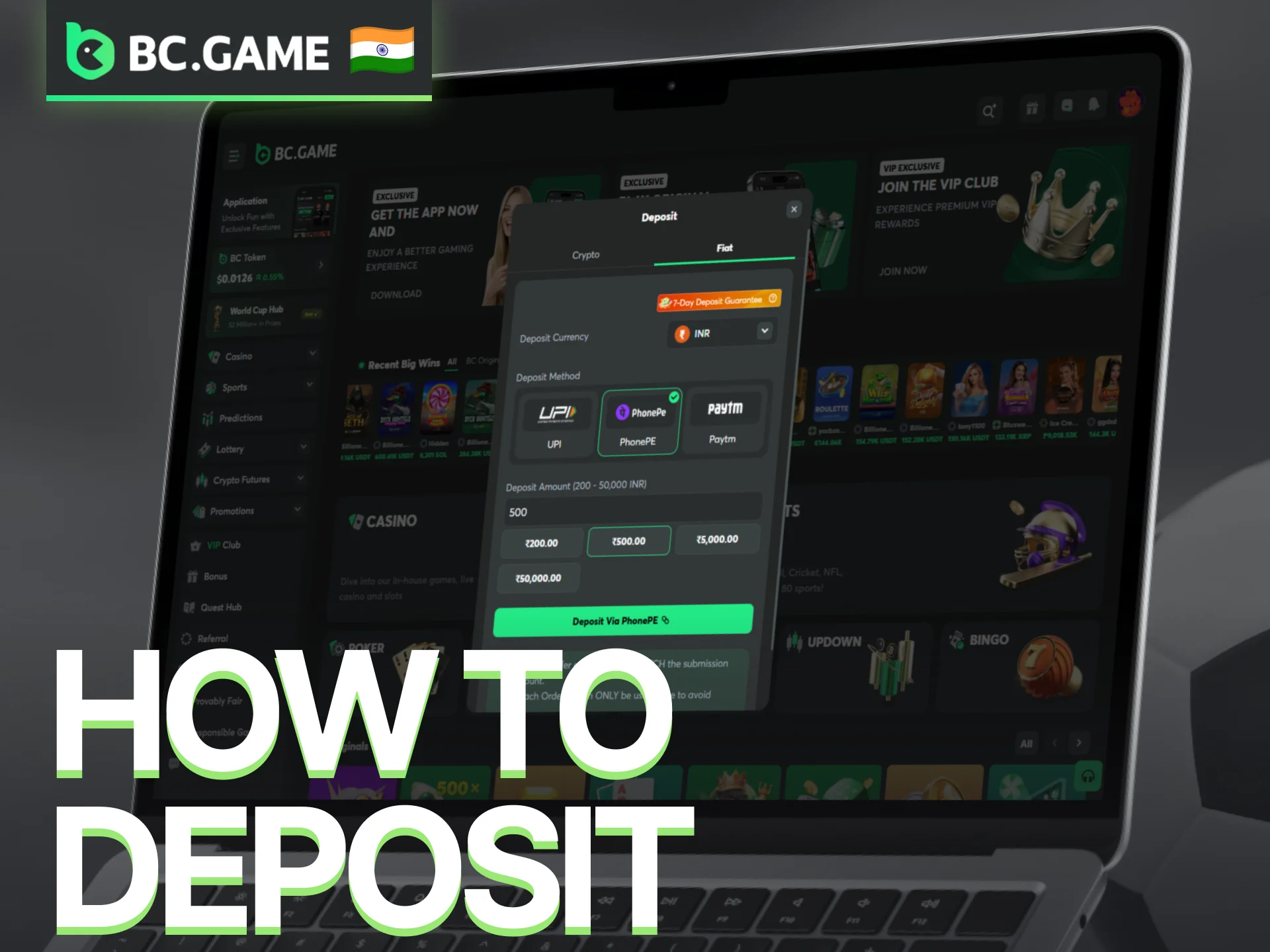
How to Deposit in BC Game
Depositing in BC Game is designed to be fast and flexible, whether using INR or cryptocurrencies. Minimum deposits start at ₹500 for fiat methods, while crypto deposits depend on the blockchain used. Following the correct steps ensures funds are added safely to the account for casino or sports betting.
- Log in to your BC Game account or register a new one.
- Click the Deposit button on the dashboard to open payment options.
- Select the deposit method: fiat (UPI, PhonePe, Paytm) or crypto (BTC, ETH, DOGE, BC, SATS, BCD).
- Enter the deposit amount, keeping in mind the minimum of ₹500 for fiat or the blockchain-specific minimum for crypto.
- Complete the transaction by following the on-screen prompts. Ensure any network fees for crypto are included.
- Confirm that your deposit is credited to your wallet before starting gameplay.
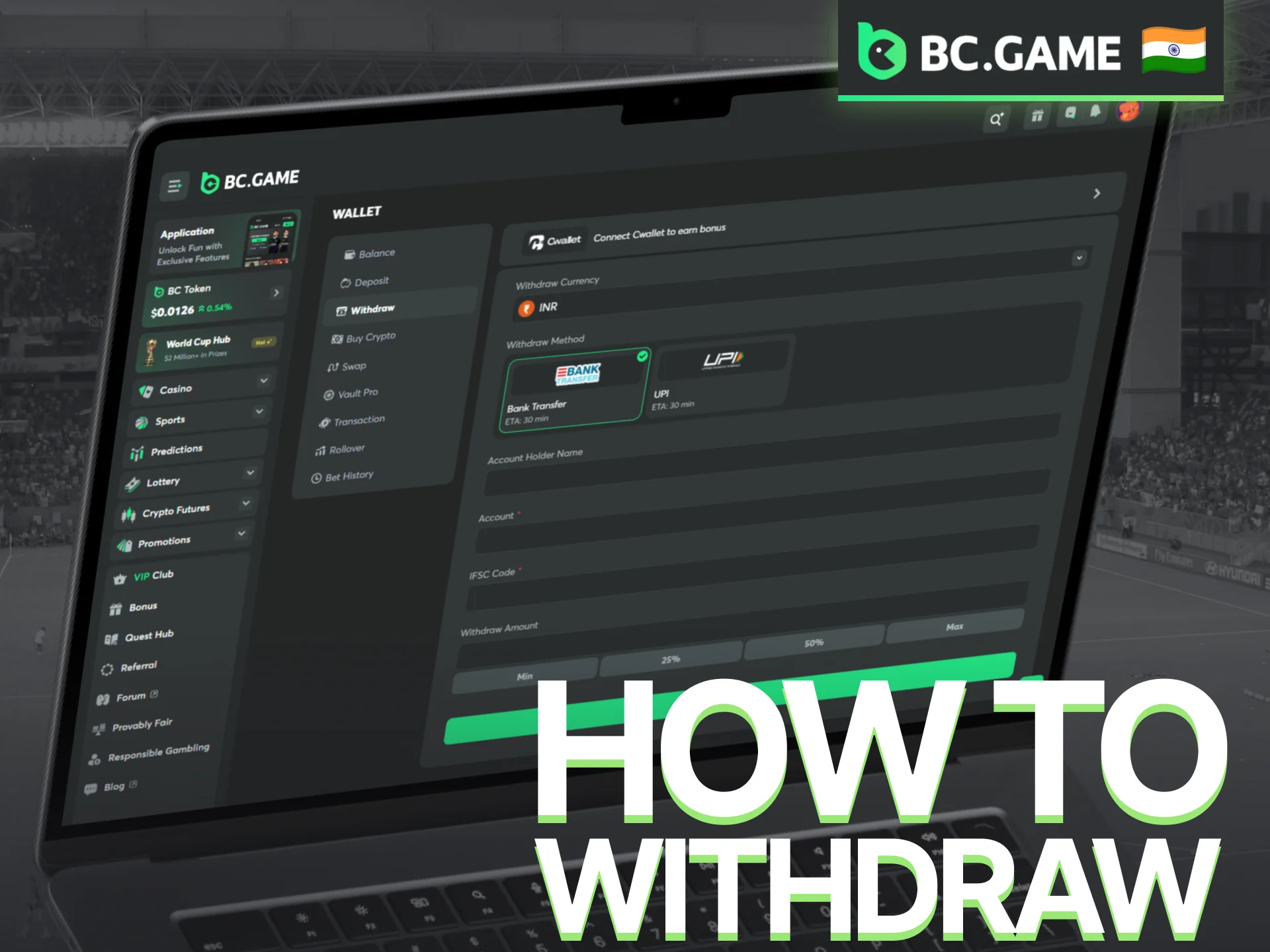
BC Game Withdrawal
BC Game allows users to withdraw funds using both fiat and cryptocurrencies. Minimum withdrawal for bank transfers through IMPS is ₹1,000. Cryptocurrency withdrawals depend on the coin and network but are usually processed quickly once confirmed on the blockchain. Users should ensure that account verification is completed to avoid delays. Choosing the correct withdrawal method ensures funds are transferred safely and efficiently.
| Payment Method | Minimum Withdrawal | Maximum Withdrawal | Processing Time | Fees |
| Bank Transfer (IMPS) | ₹1,000 | No fixed limit | 30 minutes–1 hour | No platform fee |
| Bitcoin (BTC) | 0.00001 BTC | No fixed limit | 5–30 minutes | Network fee |
| Ethereum (ETH) | 0.0002 ETH | No fixed limit | 2–15 minutes | Network fee |
| Dogecoin (DOGE) | 5 DOGE | No fixed limit | 1–10 minutes | Network fee |
| BC Token (BC) | 10 BC | No fixed limit | Usually instant | No platform fee |
| SATS | 1,000 SATS | No fixed limit | 5–30 minutes | Network fee |
| BCD | 10 BCD | No fixed limit | Usually instant | No platform fee |
How to Withdraw from BC Game in India?
Withdrawals are available through bank transfers and cryptocurrency wallets. Before requesting a payout, make sure your account information is correct and any required verification has been completed.
- Log in to your BC Game account.
- Click your avatar icon in the top-right corner of the screen.
- Open the pop-up menu and select Withdraw.
- Choose your preferred withdrawal method, such as IMPS bank transfer or cryptocurrency.
- Enter the withdrawal amount and provide the required payment details.
- Review the information carefully and confirm the request.
- Complete any security verification requested by the platform.
- Wait for the withdrawal request to be processed and credited to your bank account or crypto wallet.
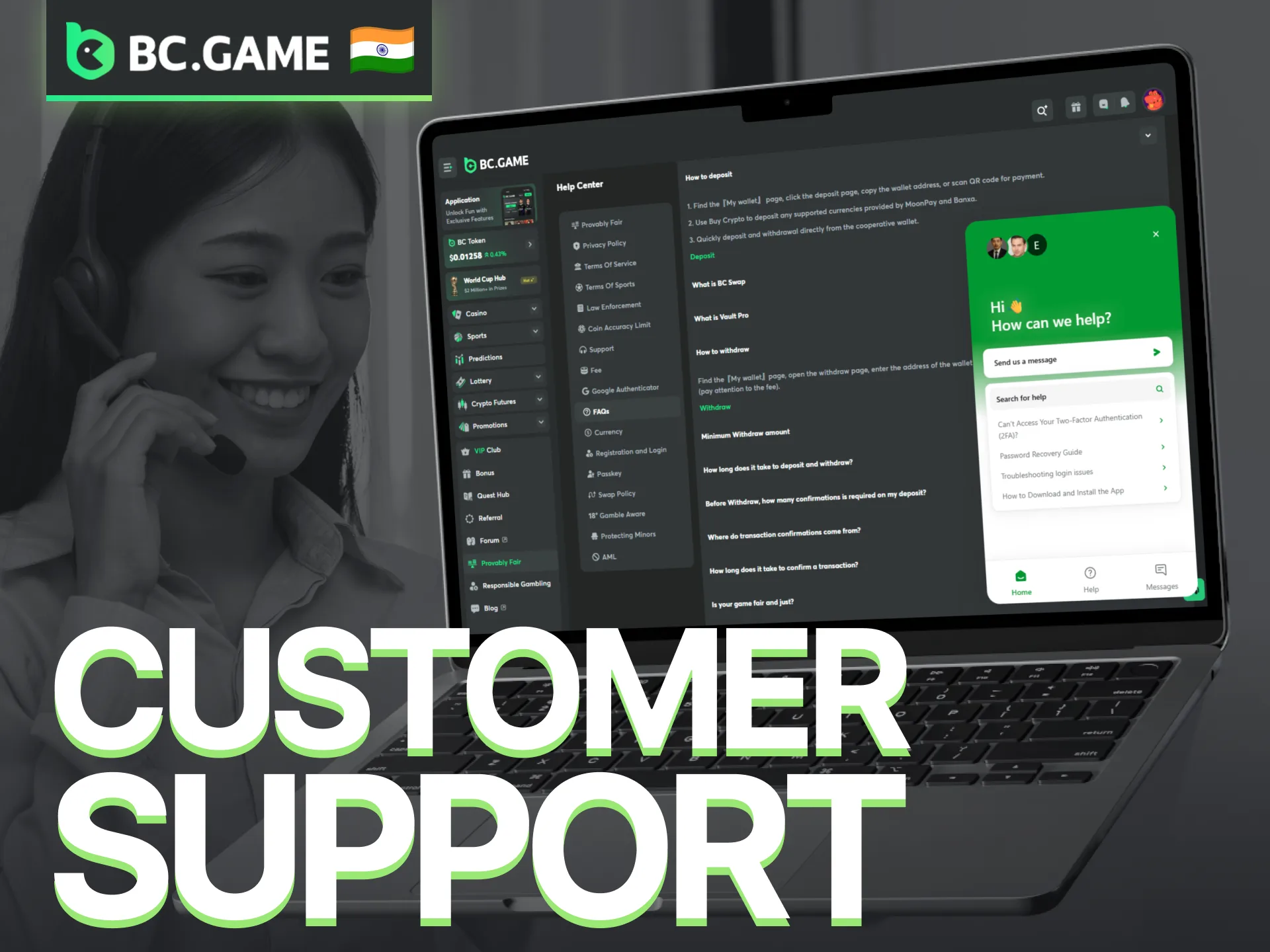
Ways to Contact Customer Support
Several support channels are available for account, payment, bonus, and verification questions. Players can choose the option that best matches the type of request. Live Chat is usually the fastest method, while email is useful for cases that require documents or screenshots.
- Live Chat: Available directly on the BC Game website and mobile app;
- Email Support: Contact the support team at feedback@bcgame.com;
- Help Center: Contains guides, account instructions, payment information, and answers to common questions;
- Telegram: Follow platform updates and community discussions through the official Telegram channel;
- Discord: Access announcements, events, and community support through the official Discord server;
- Social Media: Official accounts on X, Facebook, Instagram, and other platforms publish news, promotions, and service updates.
FAQ
Can I deposit and withdraw with different payment methods?
In some cases, withdrawals may be sent through a different method than the one used for deposits. Available options depend on account status, verification level, and payment provider requirements.
Why is my deposit not showing in the account balance?
Local payment methods are usually processed instantly, but delays can occasionally occur. Cryptocurrency deposits may require additional blockchain confirmations before funds appear in the wallet.
Is there a fee when buying cryptocurrency through BC Game?
The platform does not always charge a separate fee, but third-party payment providers or blockchain networks may apply their own charges. The final amount is displayed before confirming the transaction.
Updated:
Comments