

Visit the download section
Click the button below to access the BC Game download page on this website.
BC Game offers a dedicated desktop application that brings live casino, roulette, slots, and table games directly to your computer. The app supports Windows and MacOS, downloads for free, and delivers the same full range of features you get on the web platform. Using the desktop version gives you faster load times, a larger screen view, and more stable performance during extended gaming sessions.
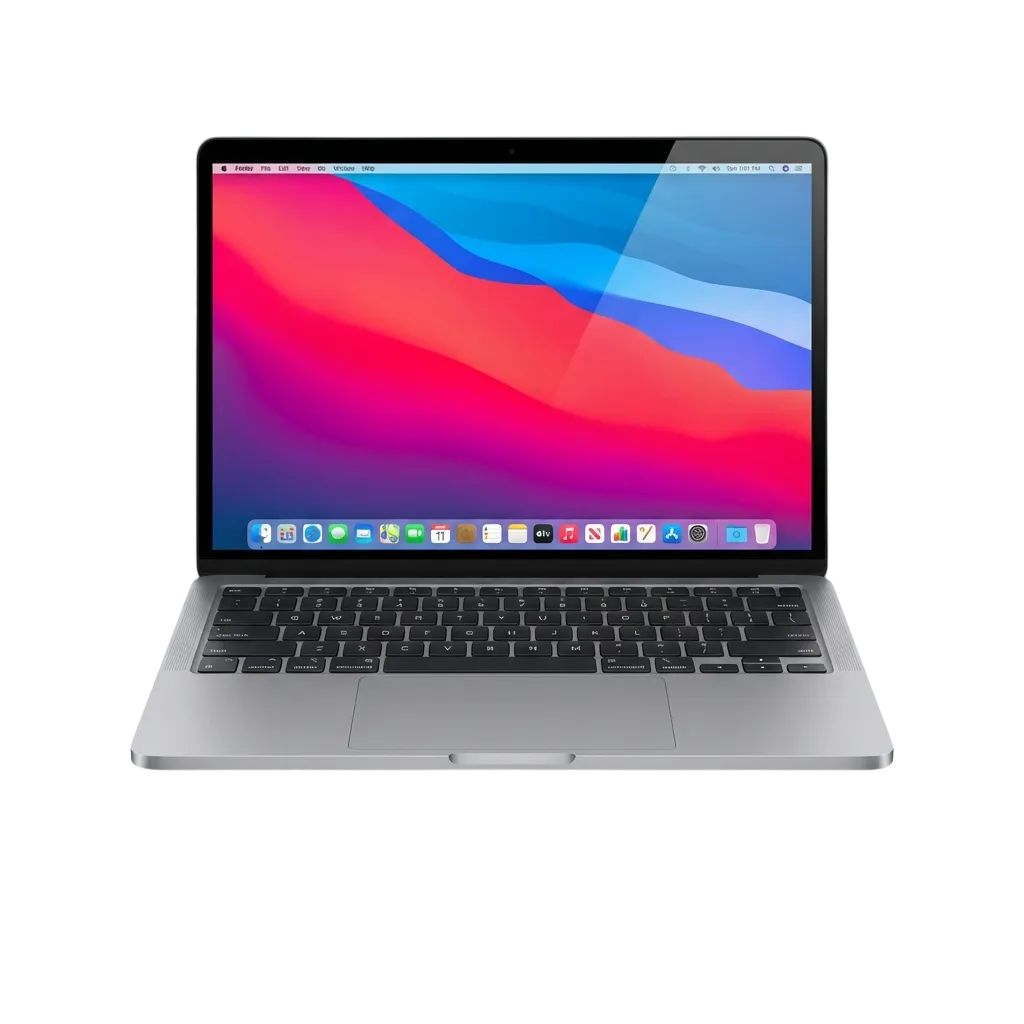
The BC Game PC client is built for users who want quicker access to betting markets and casino games without opening a browser. It offers dedicated desktop performance, reduces loading delays, and keeps your gaming session running smoothly even during peak hours.
| PC Client Size | 85 MB |
| Available Languages | English, Portuguese, Spanish, French, Turkish |
| Category | Sports betting, Online Casino, Instant Games, Live Dealer, Game Shows, Slots |
| Compatible with Windows | Windows 7, 8, 10, 11 |
| Compatible with macOS | macOS 10.13 and later |
Installing the desktop application comes with clear benefits but also a few minor considerations. Below is a breakdown of what you gain and what to keep in mind.
| Pros | Cons |
|---|---|
| Faster load times compared to browser play | Requires installation and storage space |
| Full-screen gaming for better immersion | Updates need manual confirmation |
| More stable connection during live betting | Limited to desktop use only |
| No need to keep multiple browser tabs open | |
| Direct access from your desktop without login prompts | |
| Optimised for high-resolution displays | |
| Lower risk of accidental tab closures |
The BC Game app for Windows runs on minimal system requirements and works across Windows 7, 8, 10, and 11. Installation takes just a few minutes and does not require advanced technical knowledge.
Click the button below to access the BC Game download page on this website.
Select the Windows version and save the installer file to your computer.
Open the downloaded file and follow the on-screen prompts to complete the installation process.
Once installed, open the BC Game desktop icon and log in or create a new account to start betting.
BC Game for Mac is compatible with devices running macOS 10.13 and later. The installation follows a simple drag-and-drop process standard for Mac applications.
Click the button below to go to the BC Game download section on this website.
Choose the macOS version and save the file to your Downloads folder.
Open the downloaded file, drag the BC Game icon into your Applications folder, and wait for the copy to complete.
Launch BC Game from your Applications folder, then sign in or register to begin placing bets.
BC Game releases updates to improve performance, fix bugs, and add new features. Keeping your client up to date ensures you get the best experience and access to the latest betting options.
Creating an account through the BC Game PC app gives you access to welcome bonuses, live casino tables, and sports betting markets. Registration takes less than a minute and supports multiple methods.
You do not need to install the PC app to enjoy everything BC Game offers. If you prefer not to download software onto your computer, you can use the official website instead. The browser version provides the same betting markets, casino games, and live dealer tables without requiring installation. This gives you the flexibility to play from any device with internet access.
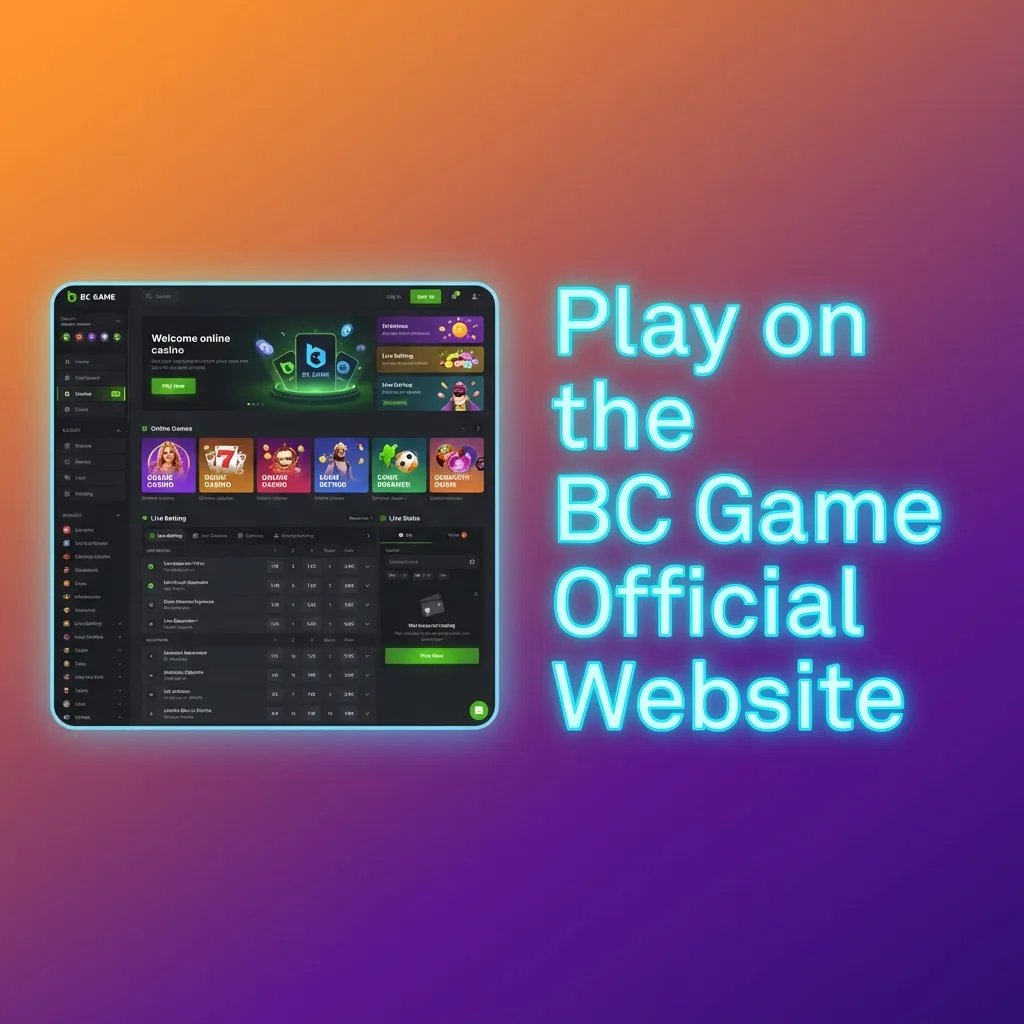
BC Game provides multiple support channels to help desktop users resolve technical issues or answer questions about their accounts. All contact methods are available directly through the app or website.
| Contact Method | Details |
|---|---|
| Live Chat | Available 24/7 via the app or website |
| support@bc.game | |
| Social Media | Twitter, Telegram, Instagram |
| Help Centre | Searchable FAQ and guides within the app |
No. The app requires a stable internet connection to access betting markets, casino games, and your account information.
Yes. All promotions, bonuses, and loyalty rewards available on the website are also accessible through the PC client.
The app requires approximately 85 MB of free space on your computer for installation.
Yes. You can log in to your account from any device, and your balance, bets, and account settings will sync automatically.
Yes. The app is distributed directly from the official BC Game website and uses secure encryption to protect your data.
Updated: